I’ve been testing ElevenLabs, and honestly, I understand why creators keep talking about it lately.
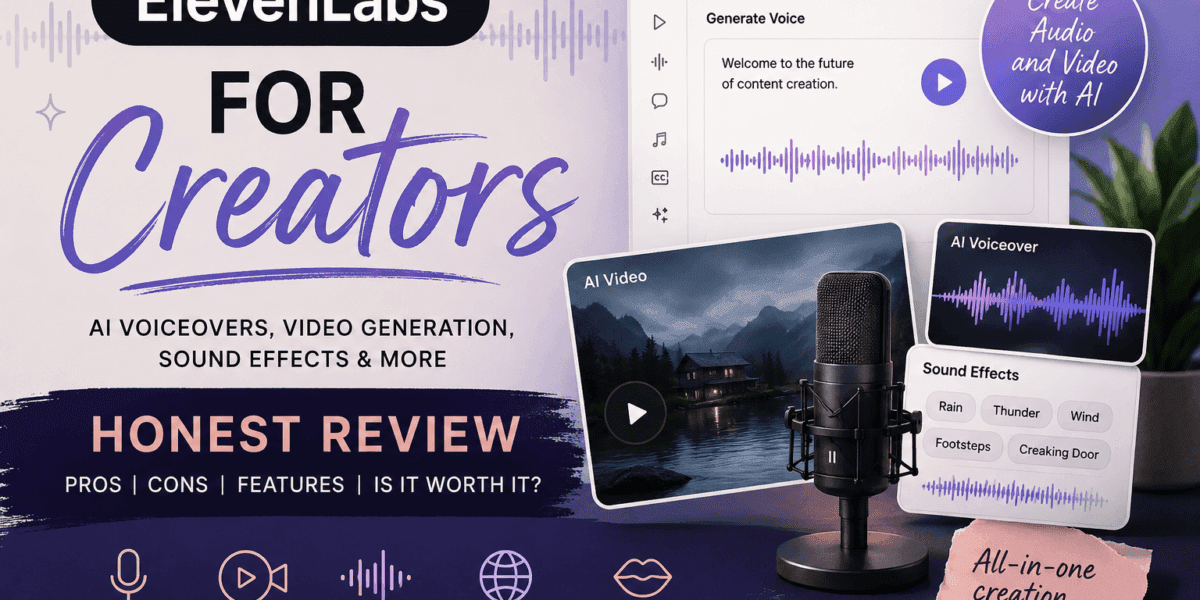
Most people know ElevenLabs for AI voiceovers, but it has recently expanded beyond just voice. You can now use it for a fuller creative workflow that includes AI voice generation, voice cloning, sound effects, dubbing/localization, music, lip-sync, and even image and video generation.
This makes it interesting for creators, especially if you’re making faceless videos, product reviews, short-form content, tutorials, story narration, reels, shorts, or blog-to-video content. It is not just a “make a voice say words” tool anymore. It is starting to feel more like a creative workspace for people who want to turn ideas into finished audio or video content without needing a full production setup.
How Creators Actually Use It
What I like most is that it solves a real creator problem: not everyone wants to record their own voice every time, and not everyone wants to bounce between five different apps just to finish one video. Sometimes you have the idea, but not the energy, setup, or quiet space to record, edit, find music, add effects, and polish everything separately.
That’s where tools like this can help.
For example: If you write a product review (like my NYX cream eyeshadow review), you could turn part of that review into a short voiceover for TikTok, Instagram Reels, Pinterest, or YouTube Shorts. If you write a blog post, you could test a narrated version before deciding whether it is worth recording yourself. If you are creating faceless content, you could use ElevenLabs to help build a consistent audio style without having to be on camera or record your voice every single time. And on the writing side, AI models are moving just as fast — I covered Claude Fable 5’s return and what it means for creators.
The video generation side is especially worth tracking because as of recently, ElevenLabs now lets creators generate visuals using major AI video models, then pair those clips with realistic voiceovers, music, sound effects, and lip-sync tools in one place. I still wouldn’t say it automatically replaces dedicated video tools like Google Flow, Runway, Kling, or Luma for every use case, but as an all-in-one creator workspace, it’s become a lot more compelling.
Where ElevenLabs Really Shines
For creators who care about voice, narration, sound design, and finishing content faster, ElevenLabs has a clear advantage. The audio side is where it really stands out, and the newer video features make it even more useful than it already was.
Use AI Responsibly
Creators should still use AI audio and video thoughtfully. Don’t use it to fake authenticity or mislead people. Don’t clone someone’s voice without permission. Don’t pretend something is personally recorded if it is fully AI-generated and do make a note when publishing content that is AI generated that your content contains AI, unless you want to risk losing viewer trust and respect.
For drafts, voiceover tests, accessibility, storytelling, product videos, faceless content, and experimental short-form videos? I can absolutely see the value.
For me, ElevenLabs feels less like a “replace the creator” tool and more like a “help the creator actually finish the thing” tool. That distinction matters. A tool like this is not going to give you taste, honesty, or a real point of view. You obviously still need the idea, the script, the editing judgment, and the reason someone should care, but it can make the production process a lot less intimidating.
Best For
— faceless videos
— product review voiceovers
— shorts or story narration
— blog-to-video content
— creator tutorials
— calming audio clips
— AI-generated video drafts
— sound effects and music
— multilingual/dubbed content
— testing voice styles before recording yourself
The Catch
The biggest downside I could think of is that Elevenlabs can easily become “just another subscription” if you do not have a real plan for how to use it. That is true for most creator tools, though. It is easy to sign up, play with it for a few days, and then forget to actually build it into your workflow. Before paying for a higher plan, I would ask myself: am I going to use this every week, or am I just excited about the idea of using it?
Would I pay for it? Absolutely — but as I had mentioned previously, ONLY if I’m actively using it every week. Like most creator apps or tools, it’s only worth it if it becomes part of an actual content workflow, not just another subscription sitting there making me feel guilty.
My Honest Take
ElevenLabs is one of the stronger AI tools for creators who care about audio quality, and the new video tools are just another reason to sign up if you are an individual who is interested in creating content.
If you are making voiceovers, faceless videos, narrated posts, product review clips, or story-based content consistently, signing up for a paid plan for Elevenlabs is definitely worth considering. If you only want to casually experiment with AI video once in a while, you likely may want to test the free or lower-cost options first. For more honest takes on tools like this, check out my creator tools and tips reviews.